
Lost?

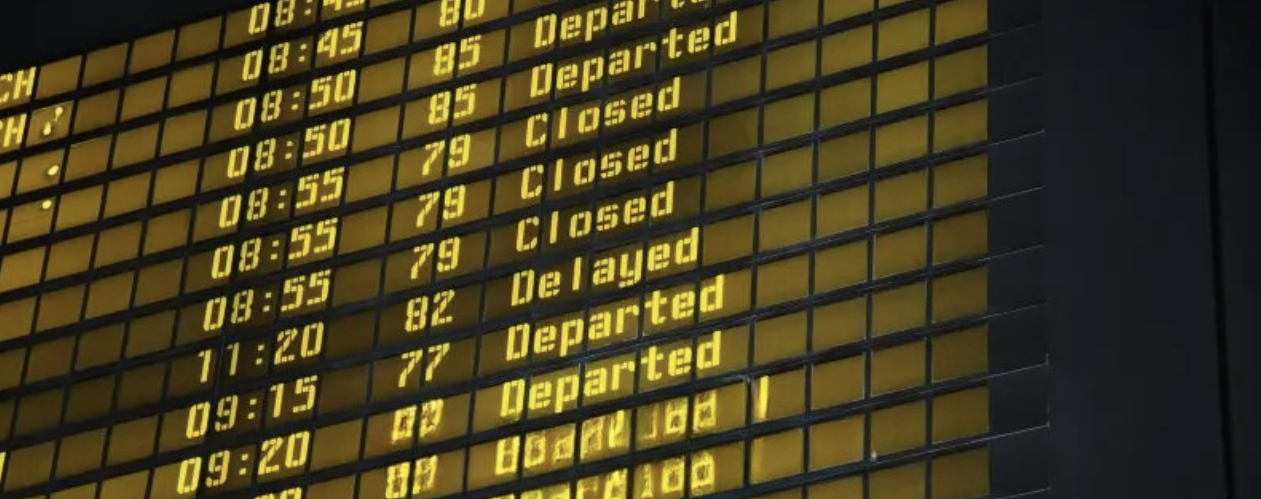
Because Spending Hours Looking for a Gate Isn't Fun.
Have you ever landed in a brand-new city, completely thrilled for an adventure, only to step off the plane and immediately freeze? you don't understand the language, the signs make zero sense, and you have no idea which way to go.
Take the King Abdulaziz International Airport in Jeddah, for example. That place is absolutely massive. It’s overwhelming, stressful, and honestly, it ruins the excitement of travel.
That’s exactly why I built this app. It puts a clear, interactive map right in your pocket to guide you through the chaos, ensure you never miss a flight, and get you where you need to be—completely stress-free.
The Interactive Airport is a product design solution engineered to assist lost travelers. Equipped with an interactive touchscreen and a built-in barcode scanner, it instantly bridges the physical terminal with a digital navigation experience right when passengers need it most.

Spotting the Solution
Scanning the Ticket
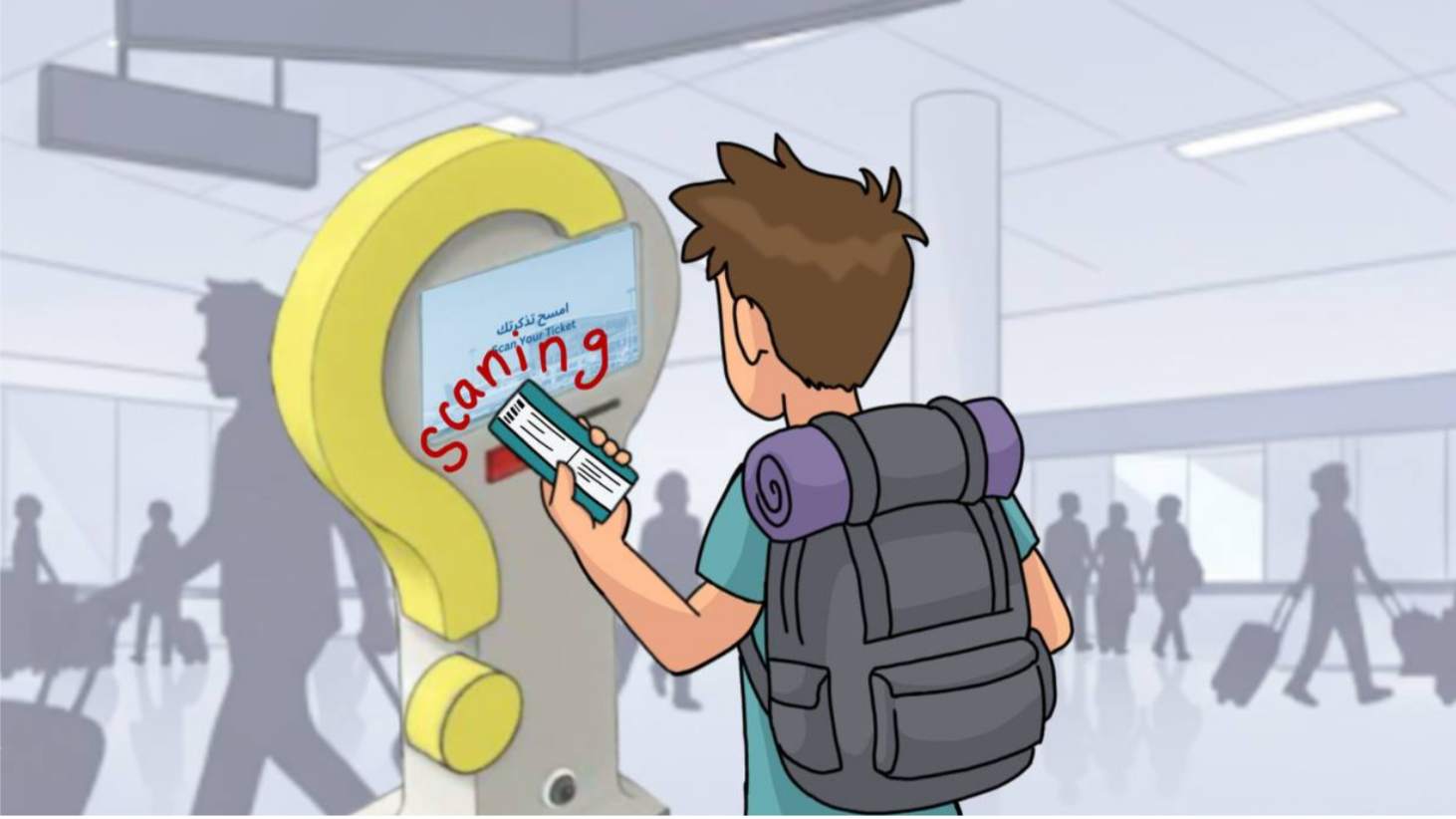
Syncing to Mobile
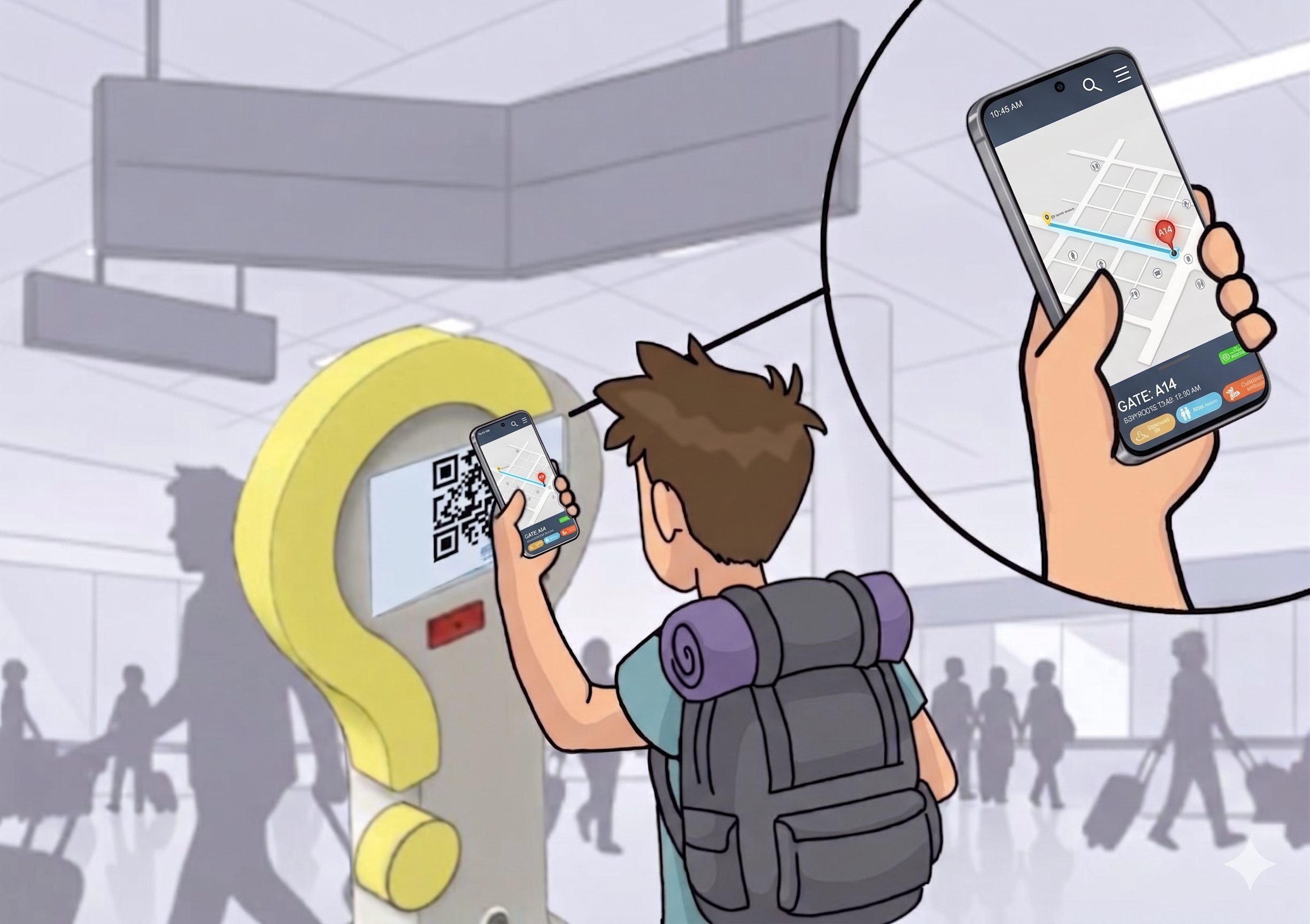
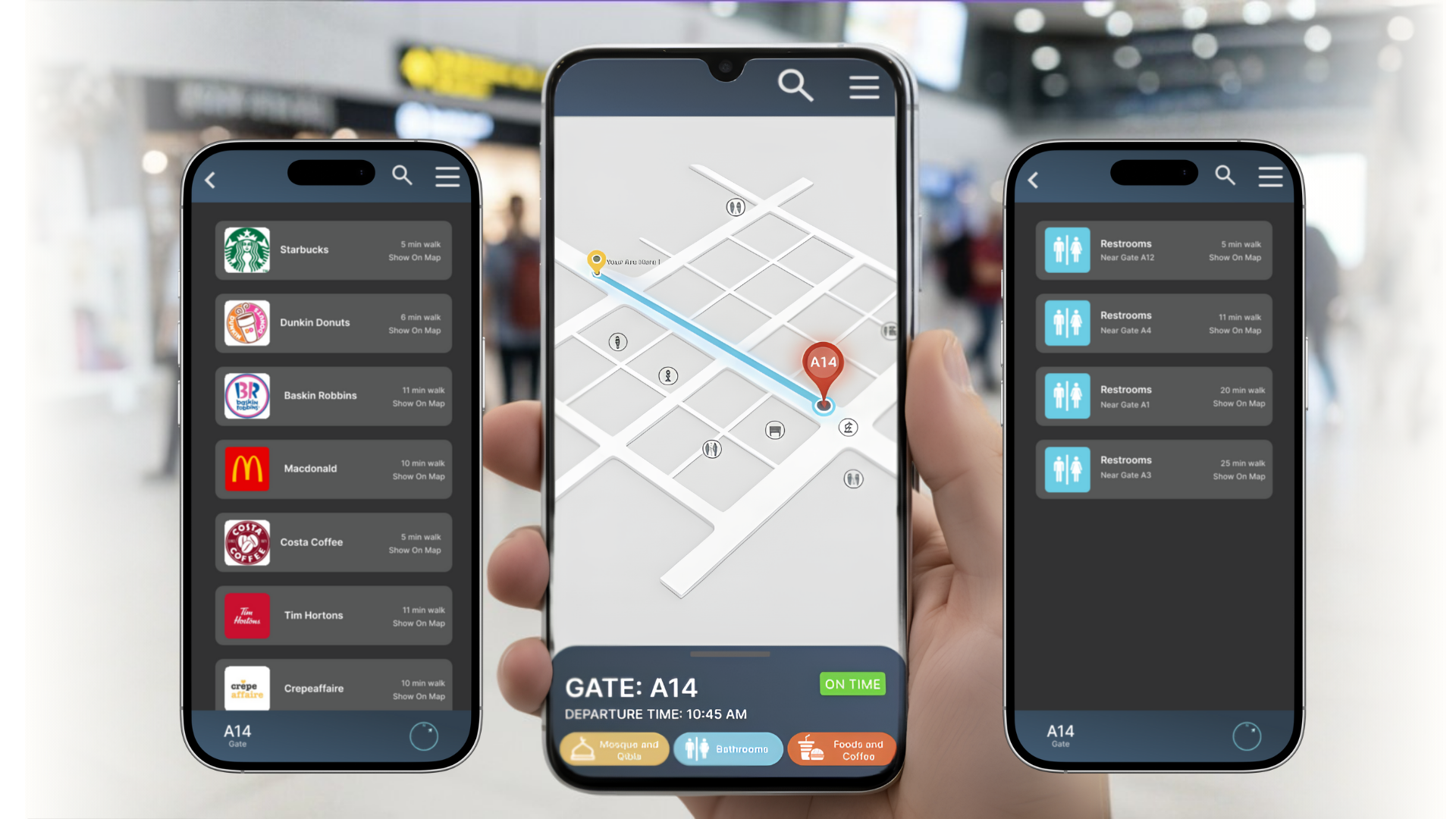
When travelers scan the QR code, the app opens instantly on their phone without needing to download anything or sign into an app store. It immediately shows their exact route and walking time, ensuring a completely stress-free journey from the airport entrance straight to their seat.



Gate Alerts
Instantly pushes live notifications regarding gate changes or boarding milestones to keep you relaxed.
Recalculates actual walking times in real time so you always know exactly when you'll reach your gate.
Direct-to-Gate
Draws a direct, live-updating path to your exact terminal depa-rture door, eliminating guesswork.
Walk Countdown